

KT200II Bosch EDC17 & MED17 Programming Guide: Bench Pinout, Tricore Clone & Checksum Solutions

Bosch EDC17 (common-rail diesel) and MED17 / ME17 (direct-injection gasoline) controllers represent the largest volume of engine control units entering modern tuning and repair workshops. Powered by Infineon TriCore microcontrollers (TC1797, TC1796, TC1793, TC1767, and TC1782), these modules govern torque limiters, rail pressure, boost maps, and exhaust aftertreatment systems across European, Asian, and commercial fleets.
While first-generation programmers struggled with EDC17 checksum bugs and forced technicians to pry open sealed aluminum housings for Boot access, the ECUHELP KT200II Full Version introduces stabilized GPT Bench drivers, corrected automatic checksum routines, and automated TriCore OTP cloning. Building on our foundational KT200 Master Protocols & Bench Mode Review, this guide provides a field-verified workflow for reading, writing, and cloning Bosch EDC17 and MED17 ECUs safely.
1. Exact Controller & Infineon TriCore MCU Identification
"Bosch EDC17" and "MED17" denote broad controller families rather than a single universal pinout. Two VAG or BMW modules with identical external connectors can house different Infineon processors and flash layouts. According to official KT200II Bosch EDC17 programming documentation, technicians must verify the exact Bosch part number and silicon architecture before applying bench voltage:
| Bosch Controller Family | Typical Vehicle Applications | Primary Infineon MCU | Verified KT200II Modes | Key Workshop Note |
|---|---|---|---|---|
| EDC17C46 | VW Golf, Tiguan, Passat, Audi A3 2.0 TDI | TriCore TC1767 | OBD (VR/Write), Bench, Boot | Verify power stability to prevent 14% write interruption |
| EDC17C54 / EDC17CP45 | VW Amarok 2.0 TDI / BMW M550d & N57 | TriCore TC1797 | Bench Tricore (GPT), Boot | 5–8 min Bench Read; 3–5 min Bench Write |
| EDC17C74 / EDC17CP54 | VAG 1.6/2.0 TDI & Audi Q7 / Amarok V6 3.0 TDI | TriCore TC1793 | Bench Tricore (GPT), Boot | Multiple hardware revisions; match exact connector diagram |
| EDC17CP24 | Audi, VW, Porsche Common-Rail Diesel | TriCore TC1796 | Bench Tricore, Boot Mode | Do not substitute EDC17CP14 or EDC17CP20 pinouts |
| MED17.4.4 / MED17.7.5 | Peugeot 5008 / Mercedes-AMG G63 & C63 | TriCore TC1793 / TC1797 | OBD, Bench Tricore, Boot | Automatic checksum calculation supported in KT200II |
2. Why Upgrade to KT200II for EDC17 & MED17 Work?
As documented in the ECUHELP KT200II vs. KT200 technical comparison, second-generation hardware resolves two critical bottlenecks that previously slowed down calibration shops:
- Corrected Automatic Checksum Calculation: First-generation KT200 units exhibited checksum calculation bugs on specific Bosch EDC17 variants, requiring external correction in WinOLS or DaVinci. The ECUHELP KT200II integrates updated checksum engines that verify memory blocks automatically during writing.
-
Automated TriCore Clone (OTP Zone + Password Adaptation): Cloning a salvaged Bosch ECU previously failed when One-Time Programmable (OTP) sectors mismatched. KT200II automates OTP zone adaptation and password transfer across
BMW MED17.2 / MEV17.2,Mercedes EDC17 CP01,Opel EDC17 C84 / C42,FCA EDC17CP27,Hyundai/Kia MED17.9.8,Iveco EDC17 C69,Jaguar/Land Rover MEDC17.9, andToyota MED17.9.52. -
Expanded Commercial & Heavy-Duty Drivers: Adds stable Bench and OBD protocols for
Bosch EDC17 C11(Nissan/Opel/Renault) andBosch EDC17CV41(Case construction equipment).
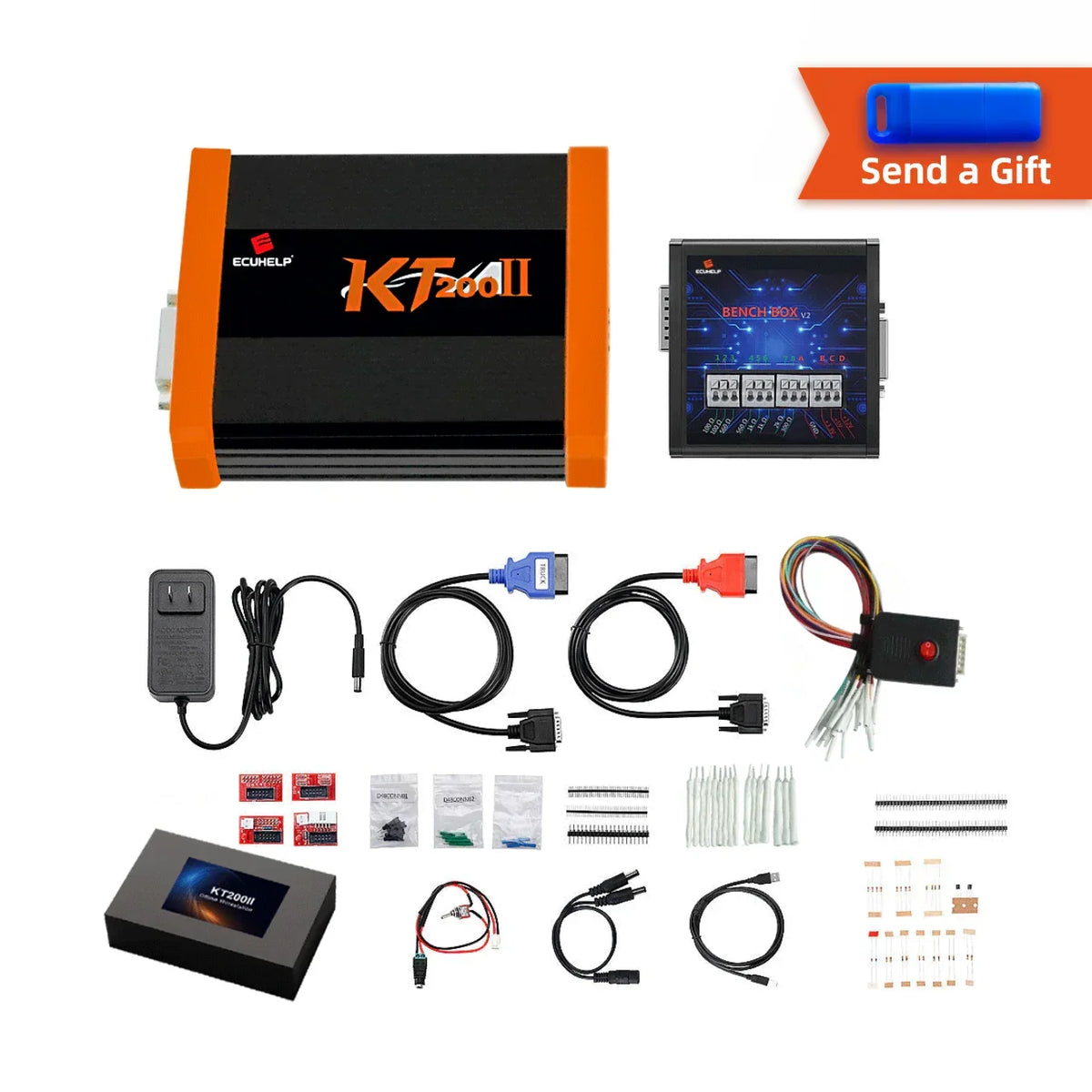
3. Step-by-Step GPT Bench Mode & TriCore Cloning Workflow
Whenever supported by the protocol, Bench Mode (BENCH TRICORE) is superior to Boot Mode because it communicates through the external ECU plug using General Purpose Timer (GPT1/GPT2) signals—eliminating PCB pry damage. Verified in field tests such as the KT200II Bosch EDC17C46 VW Tiguan Bench Report, follow this strict 6-step procedure:
-
Select the Exact Driver Path: Open the KT200II software (available via our Software Download Center) and navigate to
BENCH TRICORE→[Vehicle Brand]→[Processor e.g., TC1797 / TC1767]→[Exact Bosch Code]. Click Info to open the controller-specific wiring diagram. -
Verify Connector Orientation & Wire Pinout: Following the KT200II ECU Pinout Safety Guide, match physical locking tabs and terminal numbers before attaching ground leads (
GND), permanent and switched power (+12V),CAN-H / CAN-L, andGPT1 / GPT2signal wires via the Bench Box. - Stabilize Regulated Bench Power: Set your laboratory DC power supply to 13.2V–13.8V (3A–5A current limit). Voltage dips below 12.0V during flash erasure are the primary cause of writes halting at 14%.
-
Read ECU ID & Full Original Backup: Click Connect to log hardware and software numbers. Perform a Read All (or separate Micro [Flash] and EEPROM reads) from both the original unit (
ECU 1) and replacement donor unit (ECU 2). Save unmodified master backups immediately. -
Execute Automated TriCore Clone: For module replacement, load the original Micro file (
ECU 1) followed by the donor Micro file (ECU 2), then click Clone & Save. The software automatically adapts the immobilizer password and OTP sectors into a ready-to-flash binary. - Write & Verify Checksum: Write the modified or cloned file back to the target controller. Do not touch USB cables or bench harnesses until the software confirms completion.
4. Troubleshooting Common Bosch EDC17 / MED17 Errors
| Symptom / Error Message | Root Engineering Cause | Verified Field Solution |
|---|---|---|
| ECU draws current (~0.15A–0.25A) but fails to ID | Missing second +12V ignition wake-up pin, swapped CAN-H/L, or reversed GPT1/GPT2 leads |
Inspect the exact protocol diagram; verify all switched positive pins and GPT polarity |
| Write stops at 14% or "Error Write" | Bench voltage sag during sector erase, or TPROT (Tuning Protection) active on OBD write | Stabilize bench supply at 13.5V; switch from OBD to Bench Tricore or Boot Mode |
| Engine cranks but no-start after cloning | Raw Flash copied without OTP zone adaptation or missing EEPROM transfer | Write original EEPROM first, then use KT200II's Clone & Save function for Micro Flash |
Frequently Asked Questions (FAQ)
Q1: Is an OBD Virtual Read (VR) sufficient to clone a damaged Bosch EDC17?
No. An OBD Virtual Read downloads a matching stock calibration file from the server but does not contain vehicle-specific EEPROM or processor immobilizer data. Always use Bench Tricore or Boot Mode to extract full Micro + EEPROM files for cloning.
Q2: When do I still need Boot Mode on an EDC17 or MED17 ECU?
Use TOOLS BOOT MODE → INFINEON TRICORE Boot only when an older revision lacks GPT Bench support, or when recovering an ECU whose normal CAN/GPT communication was interrupted during an incomplete OBD flash.
Upgrade Your Bosch TriCore Programming Workflow
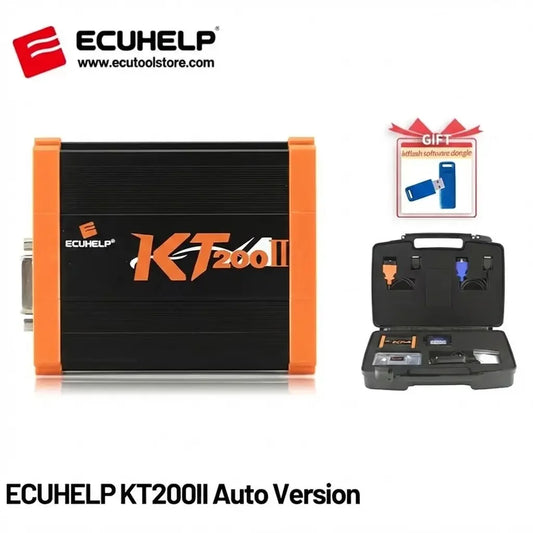
Whether performing daily Stage 1 TDI calibrations or cloning locked MED17 gasoline controllers, the ECUHELP KT200II Full Version with Offline Dongle delivers fast, non-invasive Bench access without annual subscription fees. Browse our complete hardware lineup at ECUtoolstore.com or message our engineers on WhatsApp (+8613422965820) with your ECU label photo for 1-on-1 pinout verification.