

KT200 ECU Programmer Review: Master Protocols, Bench Mode, and Field-Tested Tuning Guide
In the professional ECU remapping and automotive repair sector, tool versatility dictates shop throughput. Whether resolving corrupted flash files, performing Stage 1–3 custom calibrations, or cloning replacement engine modules, technicians require an instrument that combines deep protocol access with zero subscription lockouts.
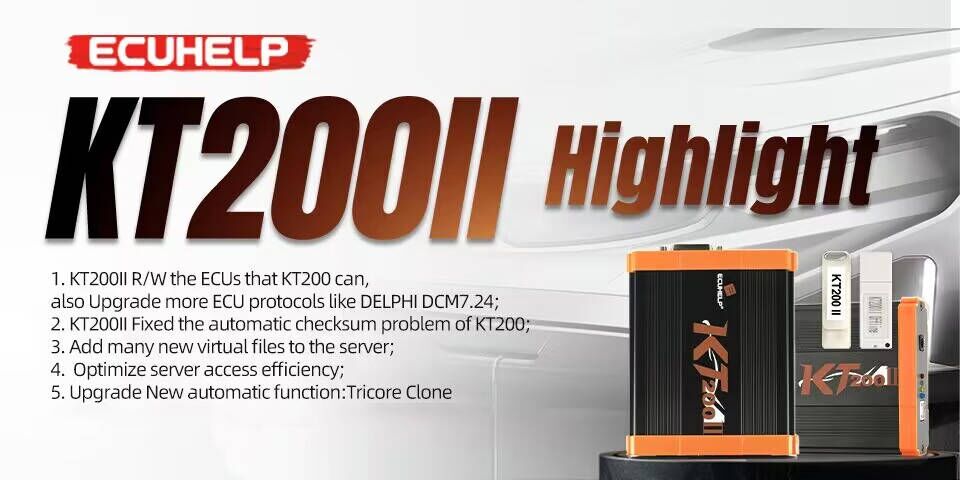
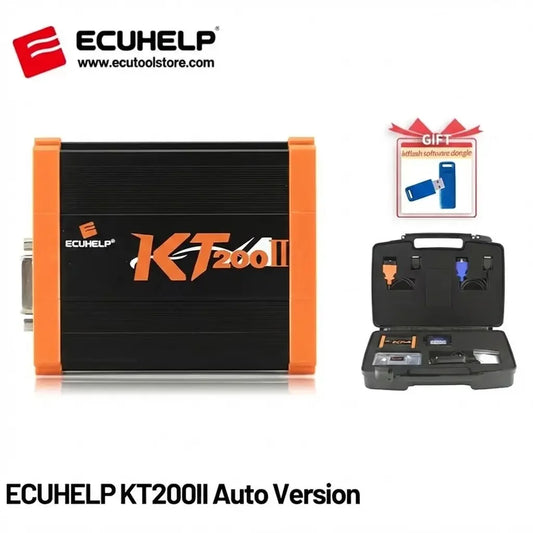
The KT200 ECU Programmer (and its next-generation successor, the ECUHELP KT200II) stands as one of the most cost-effective Master tuning solutions available today. Based on live workshop testing and official technical architecture from the ECUtoolstore product catalogue, this guide details what calibrators need to know about protocols, bench wiring, and field troubleshooting.
1. Master Hardware Architecture: Raw Unencrypted Binaries
Unlike restrictive Slave tools that lock workshop operations to a single master file distributor, the KT200 platform functions strictly as a Master device. When reading engine control units (ECUs) or transmission control units (TCUs), the system extracts raw, unencrypted .BIN files across both internal Micro flash and EEPROM memories. This gives tuning shops complete independence to modify parameters using WinOLS, Swiftec, or DaVinci.
- 100% Unencrypted Data: Full freedom over binary mapping without paying decrypt-per-file vendor credits.
- No Mandatory Annual Subscriptions: Free ongoing software and protocol updates.
- DFB-Technology Driver Foundation: Robust USB communication via high-speed hardware architecture on Windows platforms.
- Factory Virtual Read Access: Seamless integration with the Software Download Center for quick driver updates and Virtual Read (VR) databases.
2. Six Operational Modes: Overcoming Factory Anti-Tuning Locks
Modern powertrain control modules feature diverse electronic tripwires. The KT200 platform addresses these through six discrete operational workflows: OBD Mode, Bench Mode, Boot Mode, BDM Mode, JTAG Mode, and Full System Mode. Beyond passenger cars, the Full Version activates licenses across commercial trucks (Scania, MAN, Volvo Truck), agricultural tractors (John Deere, New Holland), marine vessels (Volvo Penta, Sea-Doo), and motorbikes (Ducati, Yamaha), covering over 5,400 ECU types and 500+ TCU variants.
3. High-Value Benchmark Capabilities
- Non-Invasive Bench Pinout on Bosch EDC17 & MED17: Read, write, and clone complex Tricore controllers without heating factory sealant or risking PCB delamination.
- Siemens Simos PCR2.1 Unlocking: Full Bench pinout manipulation and direct OBD CAN-bus unlocking on VAG 1.6 TDI platforms.
- Extensive TCU Mechatronics Cloning: Full Micro + EEPROM read/write capability on VAG dual-clutch boxes (DQ200, DQ250, DQ381, DQ400e) and Volvo MPS6 units.
- Forcible Writing (No Checksum Clone): Enables raw sector writes on supported silicon when cloning salvage hardware.
4. Hardware Selection Matrix
| Configuration | Protocol Licenses | Connectivity | Best-Fit Workshop Role |
|---|---|---|---|
| Auto Version | Car & Van OBD/Bench | Online server | Entry-level passenger car remap garages |
| Full Version | 10 Full Licenses (Car, Truck, Agri, Boat, TCU) | Online server | Commercial workshops & heavy-duty tuners |
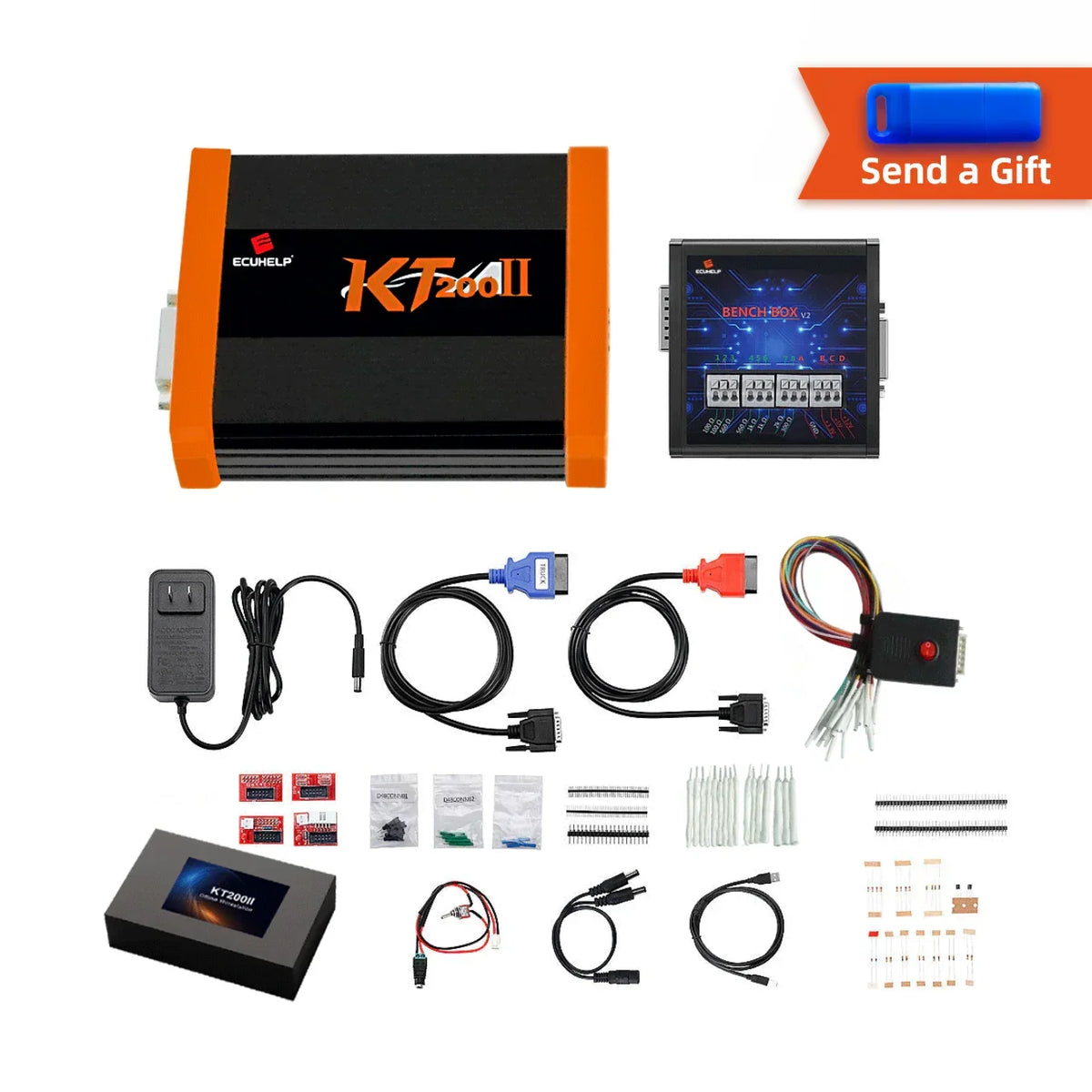
| Full + Offline Dongle | 10 Licenses Full System | Offline Workstation | Mobile roadside repair vans & remote dyno bays |
| KT200 II / KT200 Plus | Gen 2 Fast-Bus Hardware | Hybrid Online / Offline | High-throughput professional tuning centers |
5. Workshop Best Practices & Field Troubleshooting
- Regulated DC Power Supply: Always maintain a constant 12.5V to 14.0V bench power supply during flashing.
- Resolving "Correct Your Time" Errors: Enable Windows "Set Time Automatically" and sync with internet time servers before connecting.
-
Antivirus Exclusions: Add an exclusion folder for
C:\KT200-Master\inside Windows Defender to protect core DLL files. - Strict Pinout Discipline: Never mix wiring pinouts from other tools (KTAG, FC200); always follow the integrated KT200 Service wiring diagrams.
Verdict: The Benchmark Master Programmer
Ready to upgrade your shop's tuning capabilities? Explore the genuine ECUHELP KT200II ECU Programmer or order the KT200II Full Version with Offline Dongle at ECUtoolstore.com.