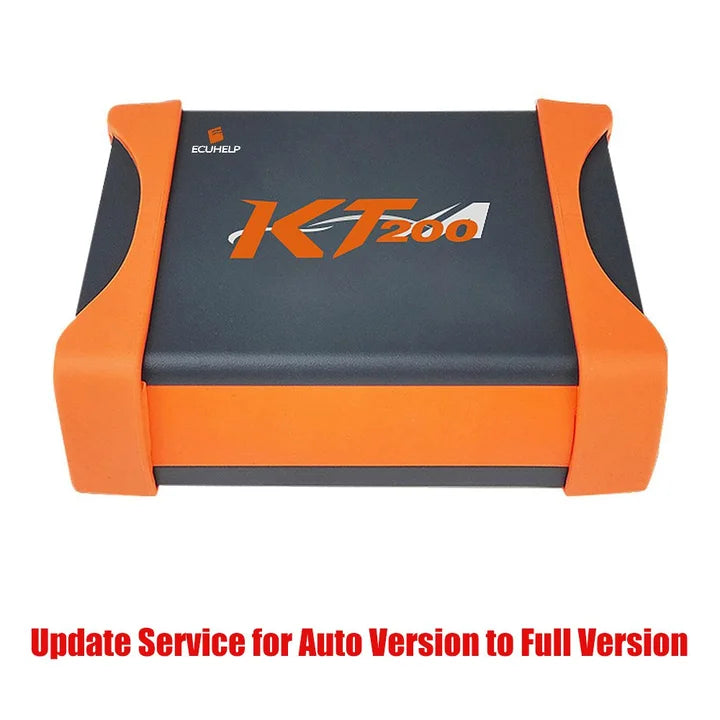
ECUHELP KT200 Auto to Full Version Upgrade Service
ECUHELP KT200 Auto to Full Version Upgrade Service
Couldn't load pickup availability
ECUHELP KT200 Auto Version Update to Full Version Update Service
Update service from KT200 Auto Version to Full Version
Please pass us Machine ID at the back of machine once you make payment. No need to ship the extra adapters, full version package list is as the same as that of auto version.
Related Download Files:
Support list:
ECUHELP KT200 ECU Support List.pdf
ECUHELP KT200 TCU Support list.pdf
ECUHELP_KT200II_New_Supported_ECUs_2026-01-08.pdf
ECUHELP_KT200II_Added_ECU_List_2024-01.pdf
ECUHELP_KT200II_Newly_Added_Protocols_2023-11.pdf
Software download:
KT200II 2026 Online software Download and Installation
KT200II 2026 Offline software Download and Installation
KT200II 2024 Online software Download and Installation
KT200II 2024 Offline software Download and Installation
KT200 Online software Download and Installation
KT200 Offline software Download and Installation
1. Coverage Difference:
ECUHELP KT200 Auto Version: Car OBD, Truck OBD, Full System, BDM/JTAG, TOOL BOOT, Bench Mode, TCU Gear
ECUHELP KT200 Full Version: Car OBD, Truck OBD, Tractor OBD, Boat OBD, Motorbike OBD, Full System, BDM/JTAG , TOOL BOOT, Bench Mode, TCU Gear,
| Auto Version | Full Version | |
| Car OBD | √ | √ |
| Truck OBD | √ | √ |
| Tractor OBD | × | √ |
| Boat OBD | × | √ |
| Motorbike OBD | × | √ |
| Full System | √ | √ |
| BDM/JTAG | √ | √ |
| TOOL BOOT | √ | √ |
| Bench Mode | √ | √ |
| TCU Gear | √ | √ |
2. Offline workstation difference:
ECUHELP KT200 Auto Version: No, please update to the full version and buy one offline dongle too.

ECUHELP KT200 Full Version works in offline mode and offline dongle.